June 14, 2026 · TermBridge · 3 min read
Remote Control Claude Code on Mac from iPhone, Avoiding DIY Compl
Developers often need to check on long-running Claude Code or other AI agent processes on their Mac without being physically at their desk. Setting up reliable remote access typically involves complicated steps, making it hard to quickly monitor progress or approve changes from a mobile device.
This article covers every way to run Claude Code on your phone in 2026, including official Remote Control, DIY methods like SSH + Tailscale + Tmux, and third-party apps. It highlights that mobile access is primarily for monitoring long tasks and approving changes, not full coding. The official Remote Control feature routes all session traffic securely via the Anthropic API, never opening inbound ports on your machine.
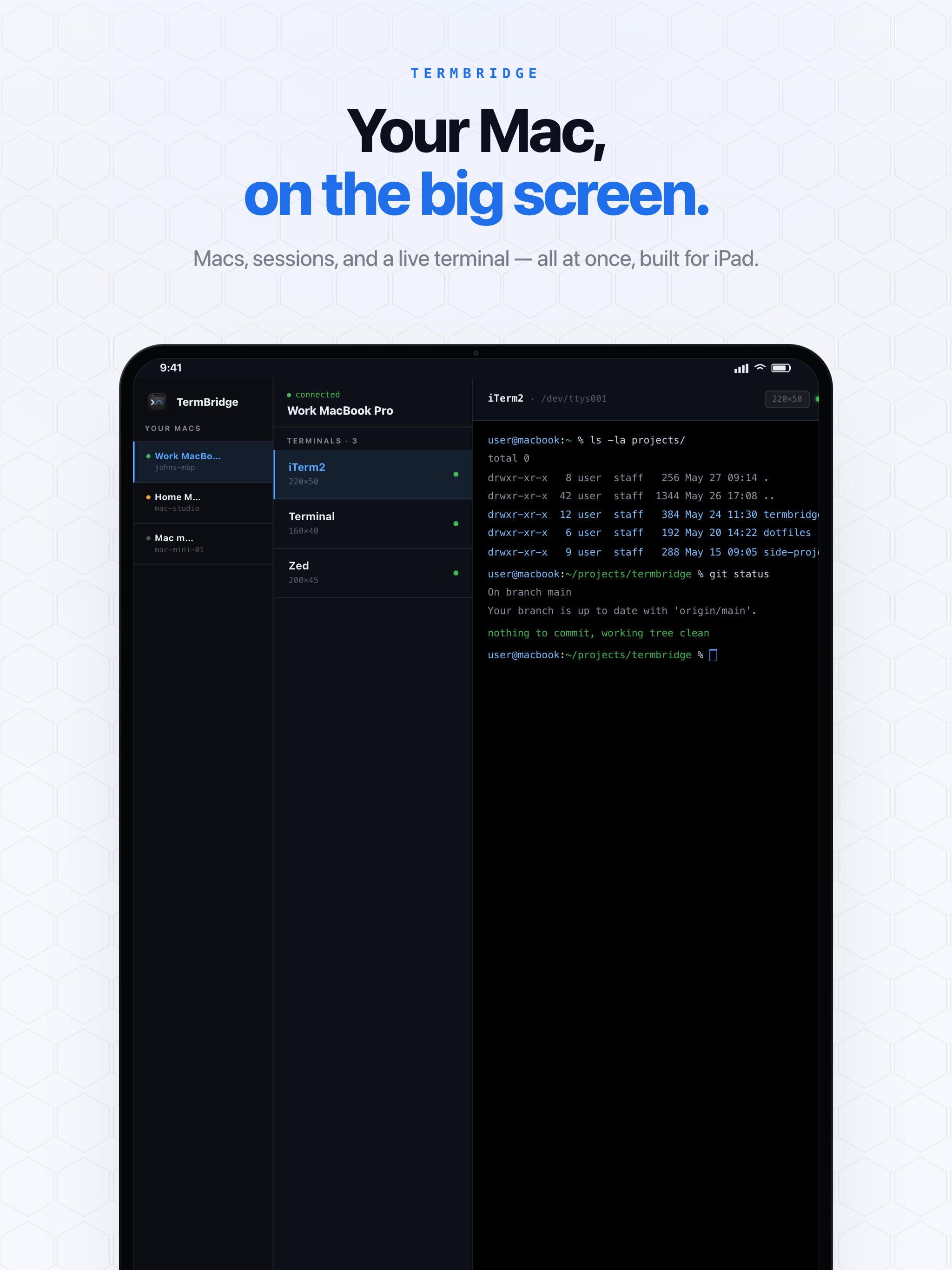
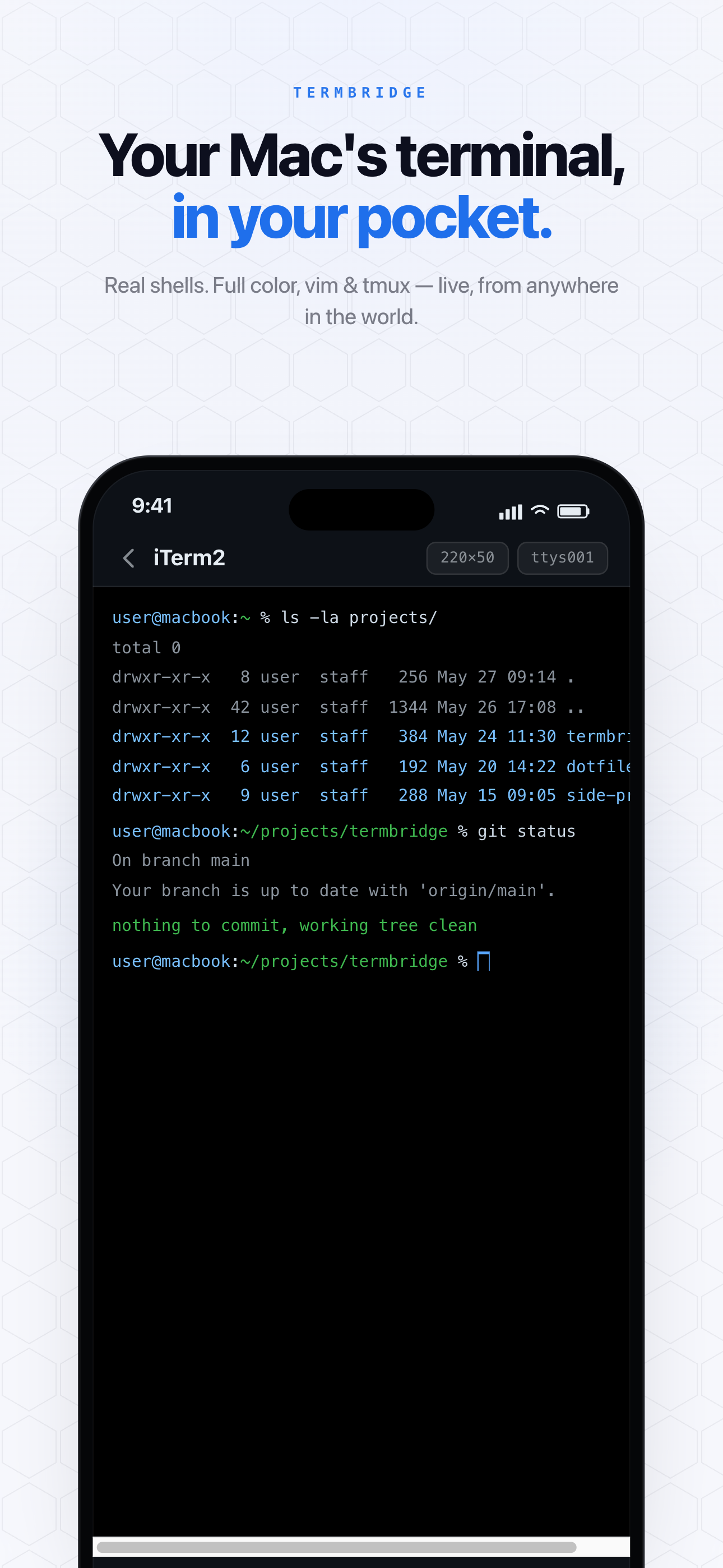
TermBridge directly addresses the challenge of managing Mac terminal sessions from an iPhone or iPad. It mirrors your existing iTerm2, Terminal.app, or integrated VS Code terminal, allowing you to watch output and type commands in real time. This provides secure, end-to-end encrypted access without requiring you to configure SSH, VPNs, or open inbound ports on your Mac.
Simplifying Remote Access Beyond DIY SSH and Tmux
The HCL GUVI blog post highlights the complexity of DIY solutions like “SSH + Tailscale + Tmux” for mobile access to a Mac terminal. We broke down exactly why those DIY stacks fall short in Controlling Your Mac Terminal Without SSH, Tailscale, or ngrok. While powerful, these setups require significant configuration and ongoing management. TermBridge offers a direct alternative, providing secure terminal access with QR code pairing and on-Mac approval. You get the full functionality of your Mac terminal, including watching agent output and entering commands, all from your mobile device. This avoids the manual overhead of managing SSH keys, VPNs, or tmux sessions across devices. For managing multiple AI agents, see Manage Multiple Mac AI Agents from iPhone Remotely.
Real-time Control for Claude Code and Agent Runs
The article correctly states that mobile access is “primarily for monitoring long tasks and approving changes.” When Claude Code or other AI agents are running complex operations, you need to see their progress and intervene if necessary. TermBridge displays your Mac’s terminal output live on your iPhone or iPad, letting you keep an eye on token usage, debug messages, or agent decisions. You can type directly into the terminal to pause a run, adjust parameters, or approve a suggested change, all without being tied to your desk. This real-time control capability is crucial for developers overseeing automated processes.
To track specific issues like token consumption, read Monitor Claude Code’s Token Black Hole from Your iPhone.
Discussed on HCL GUVI blog