June 25, 2026 · TermBridge · 5 min read
Controlling My Mac Terminal From My Phone Without SSH, Tailscale, or ngrok
I built TermBridge because I spent a weekend reading every guide on how to reach your Mac’s terminal from your phone, tried all of them, and none of them did the one thing I actually wanted.
It started when I began leaving Claude Code and Codex running for hours at a time. I’d kick off a long agent run at my desk, walk away, and then have no idea what it was doing. So I went looking for how everyone else solves this. There’s a lot written about it, and almost all of it lands on the same answer.
What everyone tells you to do
Harper Reed’s post is the canonical version of the advice, and it’s good advice: SSH into your computer, run claude, use tmux so the session survives, and use Mosh so it survives your network flaking. He has a great story about losing signal in a train tunnel and the Mosh session just picking back up when he came out the other side. The samwize guide and this dev.to writeup say roughly the same thing, just swapping the networking layer for Tailscale. Scroll through r/ClaudeCode and you’ll find the same recipe repeated a dozen times. The community consensus is real and it’s consistent: SSH + tmux + Mosh, over Tailscale.
So I built exactly that. And then I ran into the wall.
SSH from a phone breaks in small, constant ways
The first wall isn’t security, it’s plumbing. My Mac sits behind a home router with no public IP. To SSH in from cellular I needed port forwarding, dynamic DNS, and sshd exposed to the open internet — which every hardening guide tells you not to do, because bots find an open port 22 in minutes.
Even after I solved that, I was typing a long key passphrase on glass on a moving train. Mosh genuinely fixes the roaming part. But Mosh still needs a reachable server and an open UDP port range, and it still drops you into a fresh login shell — not the terminal you already had open. That detail turned out to be the whole problem, and I’ll get to it.
Tailscale fixes the network, not the terminal
Tailscale was the next thing I tried, and it’s the closest of the bunch. The WireGuard mesh means no port forwarding and no public IP — my phone and Mac are just on the same private network, anywhere. Tailscale SSH even handles the keys. If all you want is “SSH without the firewall yak-shaving,” it’s excellent and I still run it for other things.
But it’s SSH underneath, so it’s still a new shell. I’d connect from my phone, run claude, and now I had two sessions — the one running at my desk and the new one on my phone, each blind to the other. When the agent at my desk hit a permission prompt I needed to approve, my phone session couldn’t see it. I was on the same machine and still couldn’t reach the terminal that mattered.
ngrok is for demos, not for living in
ngrok and Cloudflare Tunnel get a tunnel out without opening a port, which is the right instinct. But they’re built to expose an HTTP service, not an interactive shell. To get a terminal you wrap your shell in a web page with ttyd or gotty and tunnel that — and now your terminal is a public URL with whatever auth you bolted on between a stranger and a root prompt. I did it once for a demo. I would not leave it running while I sleep.
The thing none of them do
Here’s what finally clicked. Every option above spawns a new session. SSH, Mosh, Tailscale SSH — they all call forkpty() and hand you a clean login shell. But the terminal I cared about was the one already running claude at my desk, with three hours of context and a half-finished diff. None of these tools can see it. They can only show me terminals they started.
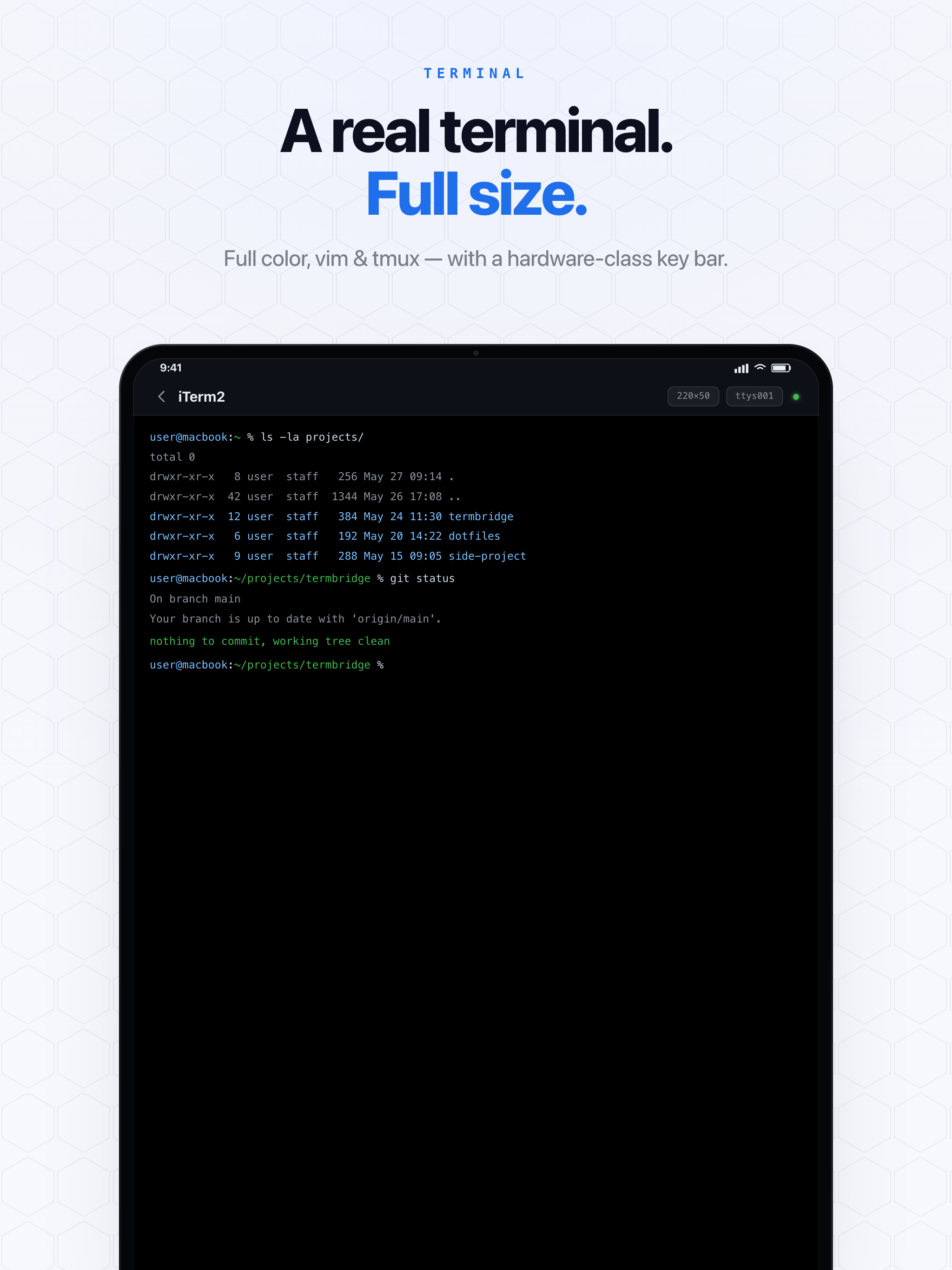
So I stopped trying to connect to the Mac and started trying to connect to the shell. TermBridge installs a tiny hook at the shell layer — it re-execs your interactive shell inside an agent-owned PTY using the same script(1) trick that’s been in Unix forever. The terminal already open on your desk is the one that shows up on your phone. iTerm2 tabs, tmux panes, the integrated terminal inside VS Code, Zed, or Cursor — all of it, because the hook sits below the terminal app, not inside it.
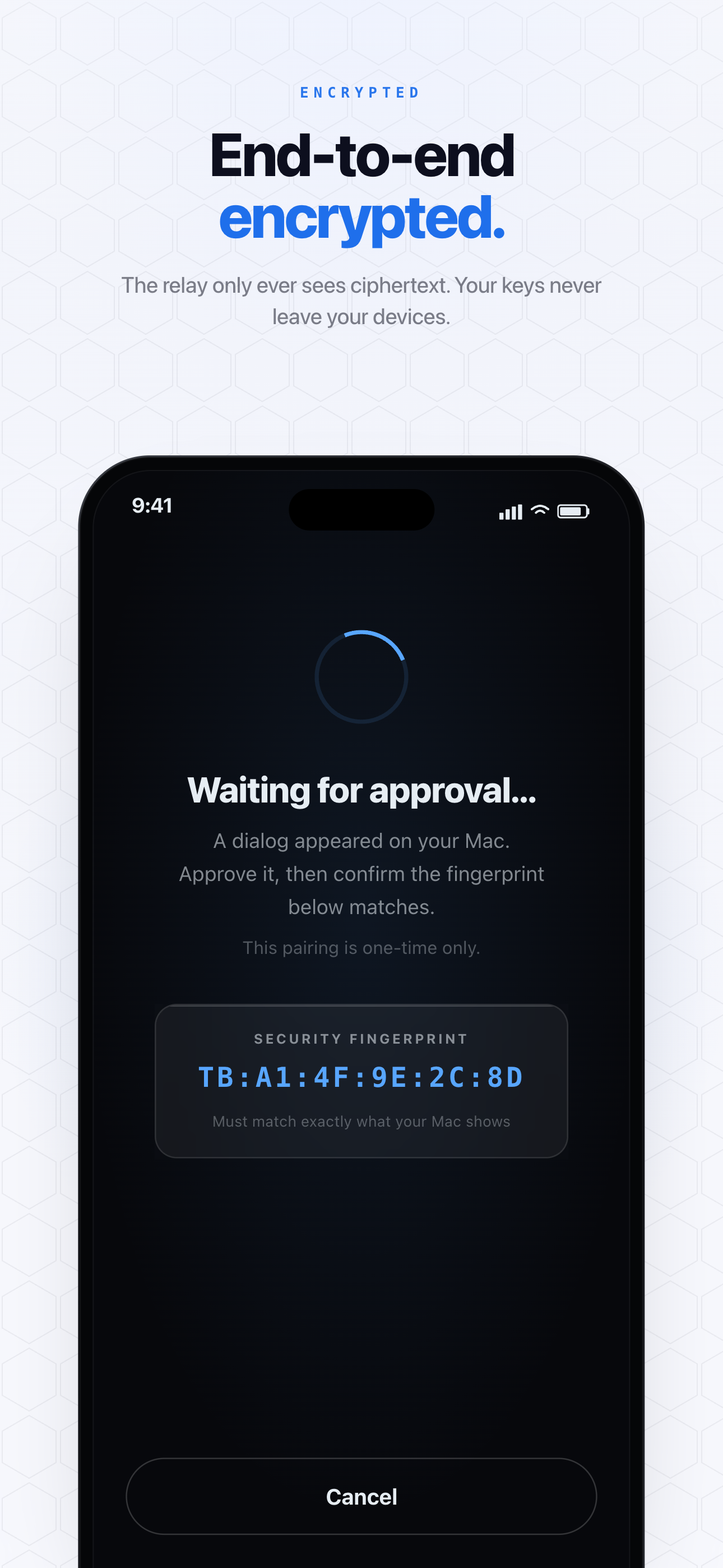
And the network problem I started with goes away too. The Mac holds one outbound encrypted connection to a relay — no inbound port, no public IP, nothing new exposed. The phone connects to the same relay, the two get paired into a private room, and every frame is end-to-end encrypted with X25519 + AES-256-GCM. The relay only routes ciphertext; it never holds a key. That’s the part Tailscale and ngrok can’t hand you for free, because they move packets — they don’t seal a session between two specific devices.
When I’d still reach for the old tools
I’m not going to pretend the others have no place. If you need a full login to a headless Linux box, SSH is the answer and always will be. Managing a fleet of servers? Tailscale is fantastic infrastructure. Sharing an HTTP endpoint? ngrok, every time.
But for the specific job of “I left an agent running on my Mac and I want to babysit it from the couch,” none of them fit — because that job is about reattaching to a shell that already exists, not opening a new door into the machine. That’s the entire reason I built this. If you’ve been fighting the same plumbing, here’s how the pairing and security model actually works — no accounts, no open ports, and the shell you walk away from is the one waiting in your pocket.
If you reach your Mac from your phone some other clever way, I genuinely want to hear it.