July 11, 2026 · TermBridge · 3 min read
Manage Headless Mac AI Agents from iPhone or iPad
Travis Media faced a common problem: running AI agents on a headless MacBook Pro meant he couldn’t see macOS GUI prompts. While SSH handled terminal work, critical system dialogs remained hidden, making remote management difficult for his 24/7 AI server setup.
A laptop with a broken screen is a perfect headless server. It has 16GB of RAM, an Apple Silicon chip, and it uses little power. So I turned it into an always-on home server and pointed it at the thing I actually wanted to run 24/7: self-hosted AI agents. SSH covers day-to-day terminal work, but some macOS permission dialogs only appear in the GUI, which is a problem with a dead screen until you add a remote desktop tool like RustDesk.
TermBridge directly addresses this challenge. It mirrors your Mac’s actual terminal, whether it’s iTerm2, Terminal.app, or an integrated VS Code terminal, directly onto your iPhone or iPad. This means you see everything, including those macOS GUI prompts that would otherwise be invisible on a headless server, allowing full control over your AI agent operations.
Seeing macOS Prompts on Your Headless AI Server
Travis’s experience, detailed on his blog Turn an Old MacBook Pro Into a 24/7 AI Agent Server, highlights a key hurdle for headless Mac setups: macOS permission dialogs. These prompts often require user interaction but are invisible without a display. TermBridge projects your Mac’s screen content, specifically the terminal, to your mobile device. This allows you to approve security prompts, grant access, or interact with any GUI element that would normally block your AI agent’s progress, all from your iPhone or iPad. You maintain full operational visibility, ensuring your 24/7 AI agents run without interruption. This is more direct than a full remote desktop and focused on terminal interaction.
Managing Multiple AI Agent Macs from One Device
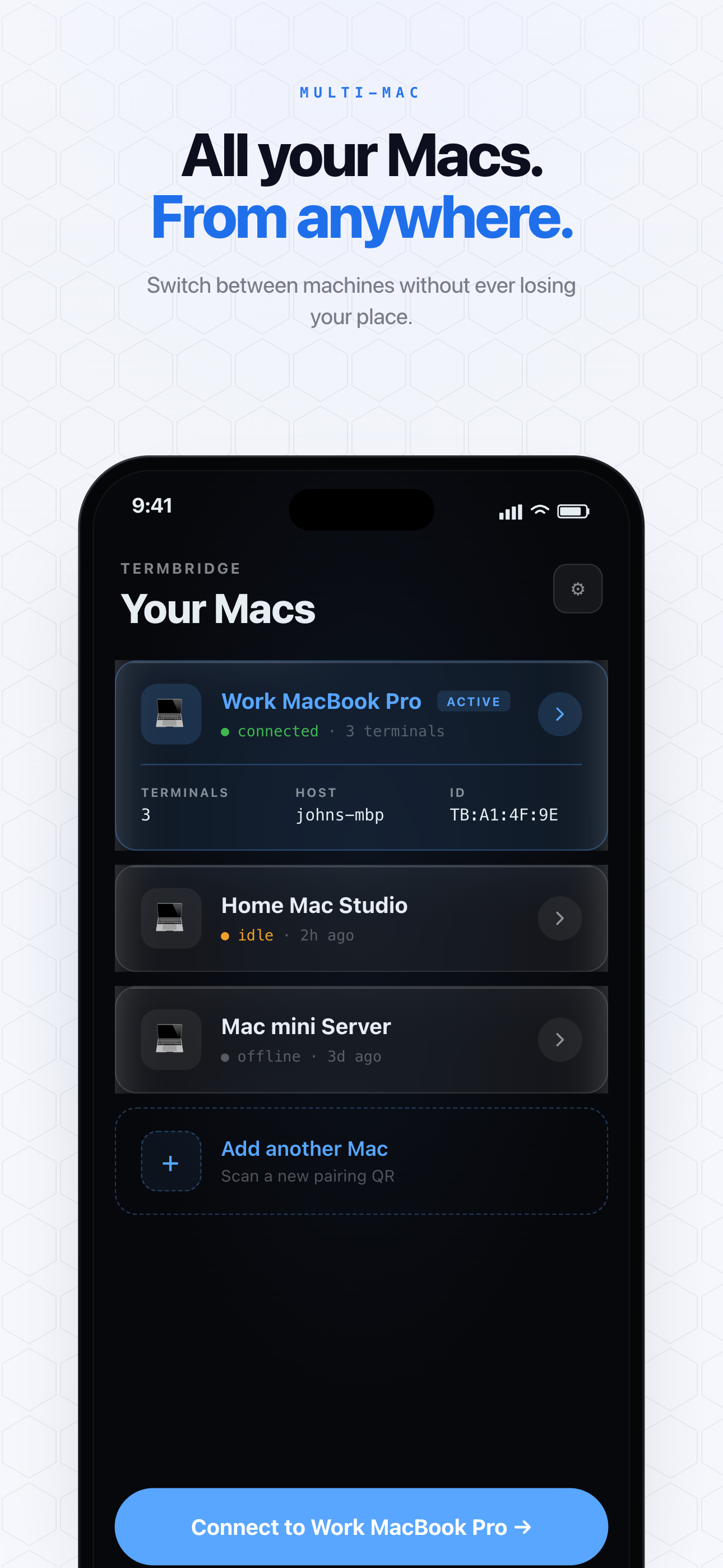
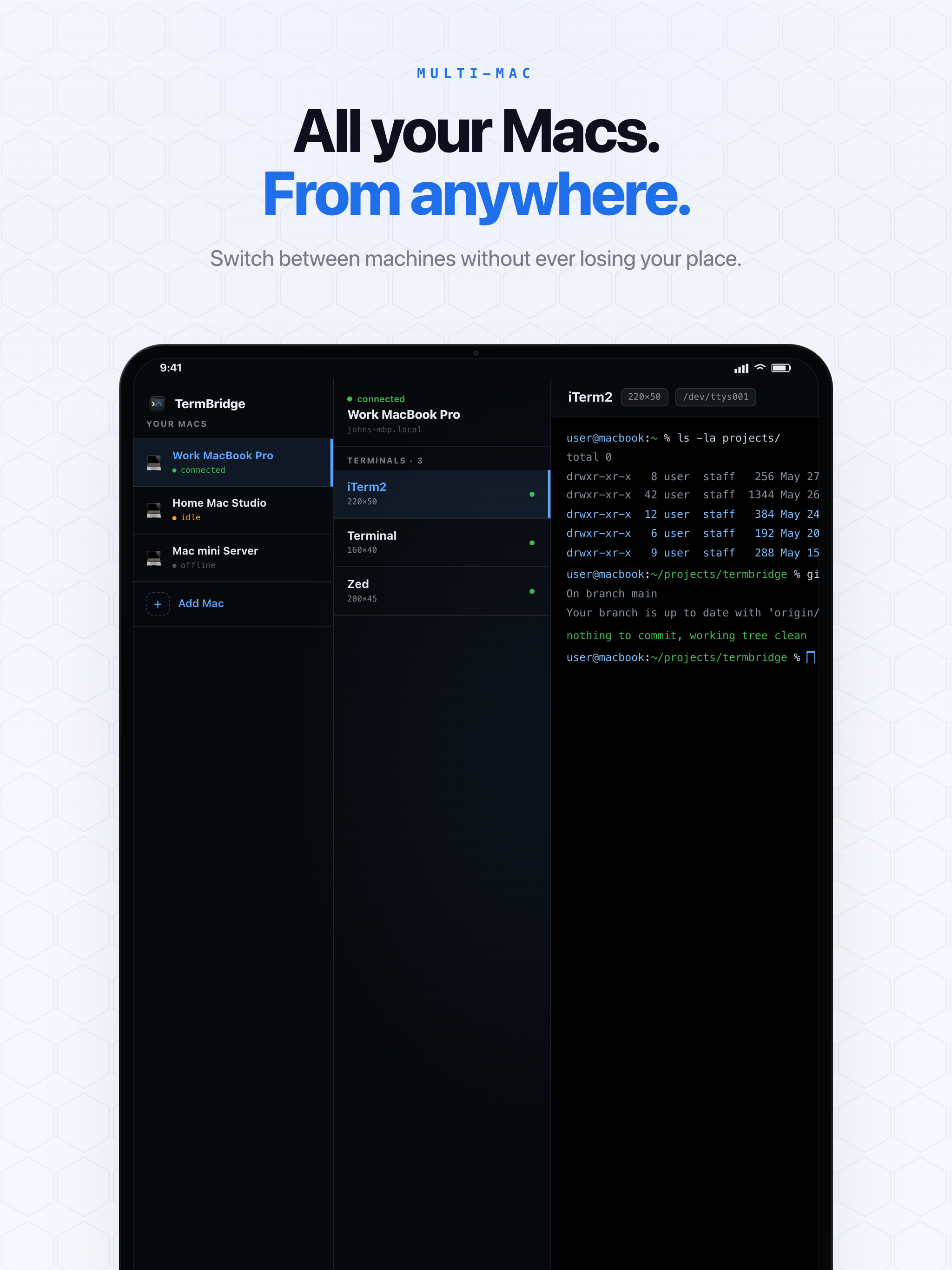
Just as Travis repurposed one MacBook Pro, many developers might run AI agents on several Macs, perhaps a dedicated server and a daily driver. TermBridge allows you to pair multiple Macs to a single iPhone or iPad. You can switch between different Mac terminals with a tap, monitoring Claude Code or Codex agent runs on one machine while initiating new tasks on another. This multi-Mac capability is ideal for managing a fleet of AI agent servers, providing a centralized control point for all your distributed computing tasks. For more on this, see Manage Multiple Mac AI Agents from iPhone Remotely.
Secure Remote Control for Your AI Agent Workloads
Operating a 24/7 AI agent server requires secure access. TermBridge uses end-to-end encryption (X25519 and AES-256-GCM) for all communication between your Mac and mobile device. The relay server only ever sees ciphertext, meaning your terminal sessions and sensitive AI agent output remain private. This security is crucial when managing long-running processes or interacting with code on a remote machine, especially when that machine is running continuously. It provides peace of mind that your self-hosted AI agents are not only accessible but also protected.
Discussed on Personal blog (Travis Media)