November 14, 2026 · TermBridge · 3 min read
Watch Slow Postgres Jobs and Agent Runs from iPhone

Shayan built a database client because DBeaver kept crashing on an old machine, especially with PostGIS loaded. Heavy tools eat memory, and on a weak Mac that means slow launches and lost work. The same machine often also runs a long Claude Code or Codex session, so you end up sitting at the desk waiting to see if anything broke.
“I remember using DBeaver and it just crashing on me multiple times, I also had to use postGIS which just made it worse. I migrated all my essential dev tools to use the ones with performance in mind (Zed, Ghostty etc) but the only thing that was missing was DB Client.”
That comes from the Show HN thread for DBDelve. TermBridge fits the terminal side of this setup. It mirrors the exact shell you already use on your Mac, whether that is Terminal.app, iTerm2, a Zed or Cursor integrated terminal, or tmux, onto your iPhone or iPad. You can read output and type into it. Traffic is end-to-end encrypted with X25519 and AES-256-GCM, so the relay only sees ciphertext. Pairing is a QR code that you approve on the Mac.
Lean tools leave room for the long job
The OP measured DBDelve launching in 1.1 s against 5.2 s for DBeaver on an M1 Pro. That gap matters when the same Mac is also running a psql migration, a PostGIS import, or an agent that edits your schema. TermBridge does not add a GUI on the Mac. It attaches to the shell you already opened, so the long job keeps running where it started and you check it from the couch instead of keeping a heavy client open just to watch progress.
Catch the crash before you lose the afternoon
The OP’s main complaint was DBeaver dying mid-session. Terminal jobs fail too: a psql -f script hits a constraint error, or Claude Code stops and asks for permission before running a migration. If you are away, that prompt sits there for an hour. With the session mirrored to your phone, you see the error or the prompt when it appears and can answer it by typing. If you keep agent sessions alive in tmux, the guide on watching persistent agent sessions from iPhone covers that pattern.
One phone, the old Mac and the new one
Shayan mentioned working on a really outdated machine before moving to tools built for speed. Many developers keep that older Mac around as a box for database dumps or overnight agent runs while doing daily work on a newer laptop. TermBridge lets you pair one iPhone to several Macs and switch between them, so the PostGIS restore on the old Mac and the Codex run on the new one sit in the same list.
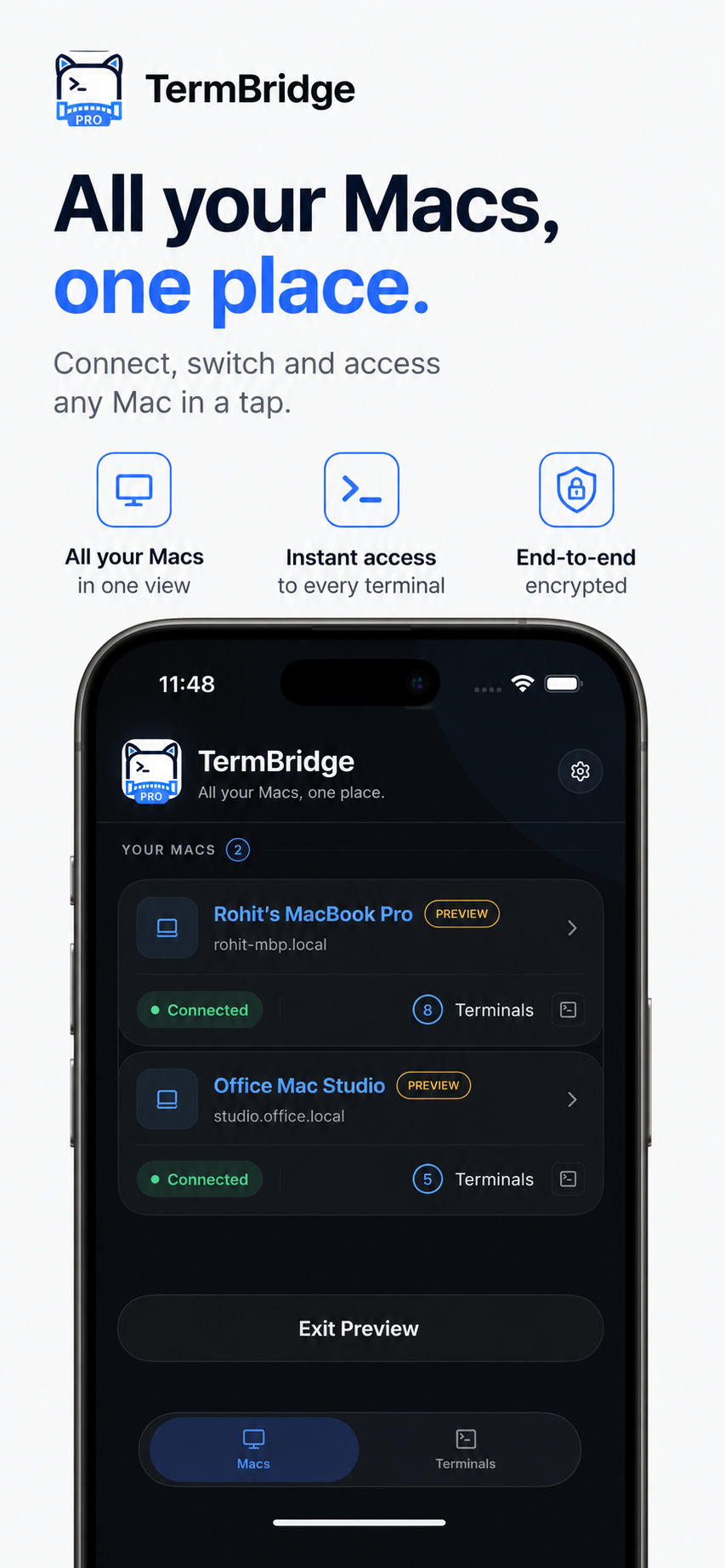
Pick a Mac, pick the terminal, and you are looking at the same output you would see at the desk.
Discussed on Hacker News · 124 pts · 49 💬