November 19, 2026 · TermBridge · 4 min read
Patch an Nginx RCE with Codex While Away from Your Mac

An unauthenticated remote code execution bug in Nginx means every server you run needs checking, and fast. You can hand the audit to Codex, but the work still waits on you. Every config change, rebuild and reload needs a human yes, and you are not always sitting at the Mac when that question shows up.
Two CVE links, and hundreds of comments in the Hacker News thread on the Nginx RCE.
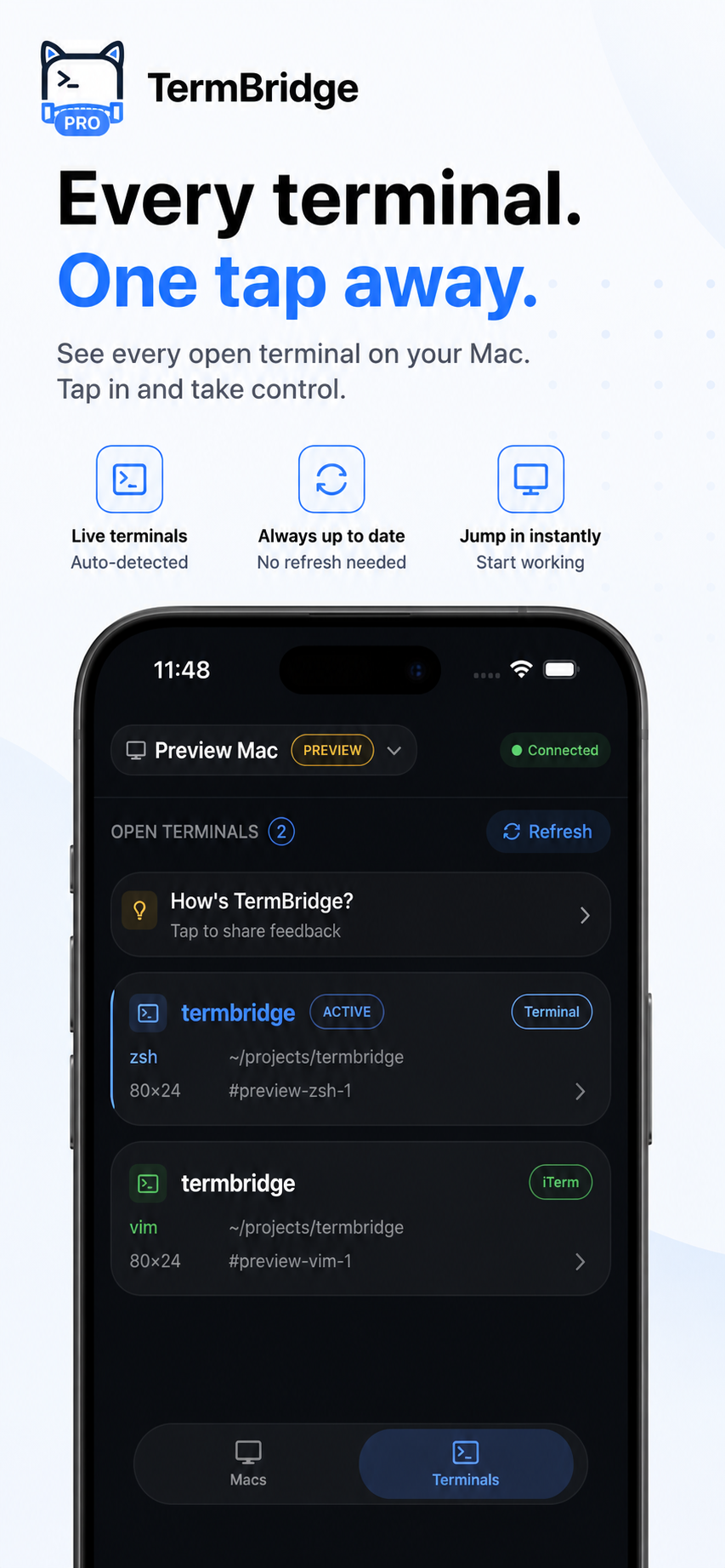
What TermBridge does here. You start Codex in the shell you already use on your Mac, whether that is iTerm2, Terminal.app, a tmux session or the integrated terminal in VS Code, Zed or Cursor. TermBridge mirrors that exact session to your iPhone or iPad. You see the same output, and you can type into it. When Codex asks to run nginx -t, edit a server block or restart a service, you answer from your phone. The session is end-to-end encrypted with X25519 and AES-256-GCM, so the relay only ever sees ciphertext. That matters when the terminal is showing server addresses and config files during a security incident.
Keep one Codex session per environment
During an incident like this, you may be juggling staging, production and a few forgotten boxes. Give each one its own tmux window or terminal tab with its own Codex run. One checks the installed Nginx version against the CVE records, one reviews which modules are compiled in, one drafts the package upgrade. From your phone you can switch between those terminals and see which one is stuck waiting on you. If you already run a mix of agents, the same pattern from watching a mixed Claude Code, Codex and Aider setup applies here.
Approve the risky steps, read the diff first
The two CVE links tell you what to patch, not how your configs will react. Let Codex propose the change, then read the diff on your phone before you type yes. Things worth stopping on: a reload that skips nginx -t, an upgrade that pulls a different major version, or an edit to a shared include file that touches every site. Typing n and a short reason from an iPhone is enough to redirect the agent. The rebuild keeps running on the Mac, and you stay in the loop without being pinned to the desk.
Pair the devices you will actually have
Security fixes rarely wait for convenient hours. Pair your iPhone and iPad to the Mac ahead of time, using the QR code and approving each device on the Mac itself. If a teammate needs eyes on the same rollout, their device needs the same on-Mac approval, so nobody joins the session silently. If your patch work is split across a laptop and a Mac mini, you can switch between both Macs from the same phone and check that each Codex run finished its Nginx reload cleanly.
Discussed on Hacker News · 1355 pts · 588 💬